Move through your space.
Multiple access points can support room-to-room coverage and compatible device roaming, with wired connections back to the network.

NETWORKING & WI-FI · VANCOUVER ISLAND
Your Wi-Fi. Your cameras. Your doors. Your business.
Build them on a network that’s been properly planned.
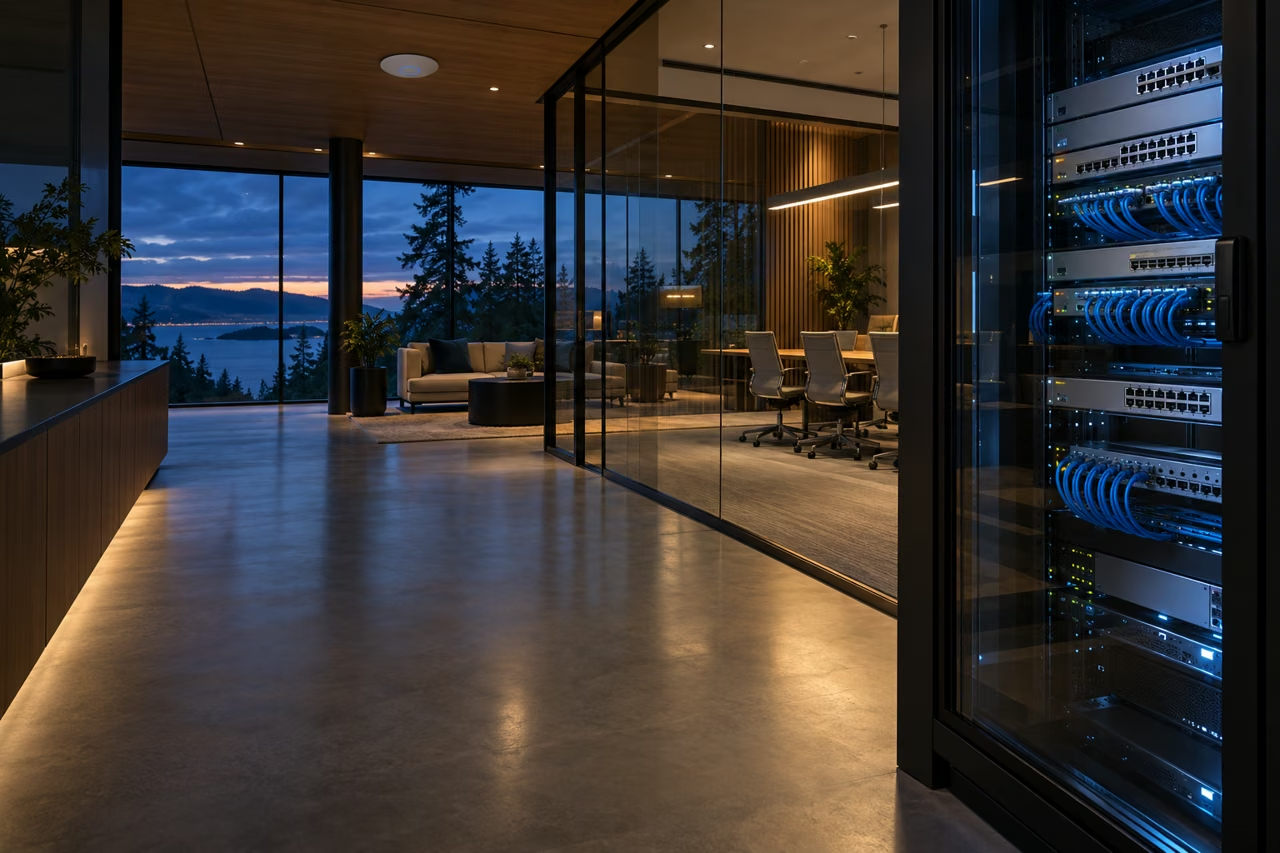
 UniFi networks.
A BETTER WAY TO CONNECT
A faster internet plan won’t fix every dead spot. The network inside your property needs the right cabling, switches and access points too.
We use Ubiquiti’s UniFi platform to bring wired and wireless connections into one manageable system. From a busy office to a home with an outbuilding, the design starts with how you use the space.
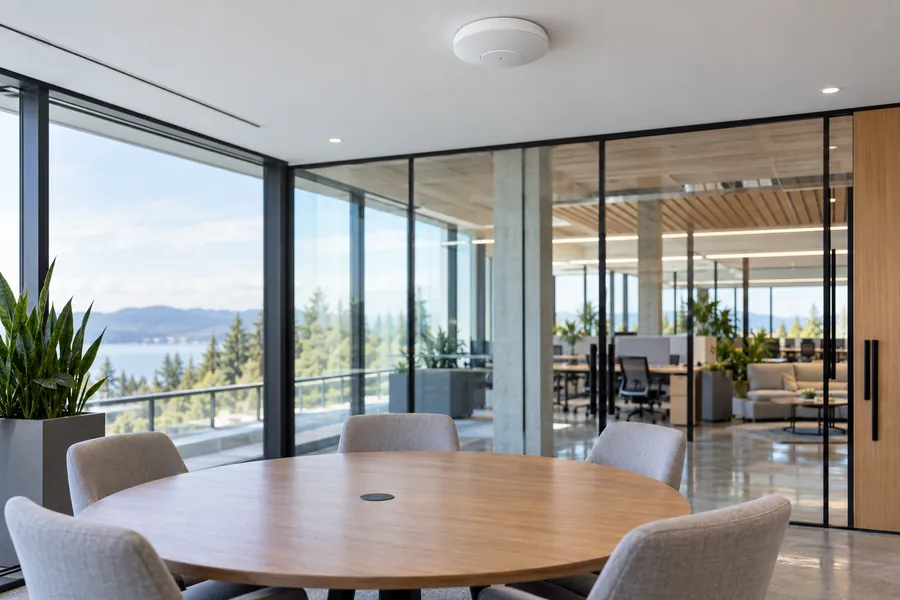
Multiple access points can support room-to-room coverage and compatible device roaming, with wired connections back to the network.
Guest, staff and connected-system traffic can be separated using VLANs and suitable firewall rules.
PoE switches can carry data and power to compatible cameras and access points through one network cable.
Central management helps review connected devices, access points and switch ports, locally or through configured remote access.
Features depend on the equipment and configuration. Wi-Fi performance also depends on the building, interference and client devices; internet speed depends on your provider’s connection.
ONE NETWORK. MANY MOVING PARTS.
Your network is the foundation beneath your security and technology systems. Select a connection to see why it matters.
WI-FI & EVERYDAY CONNECTIONS
Access points connected by cable give phones, laptops and other wireless devices a route back to your network. We plan placement, capacity and guest access around the way you use the property.
Plan your Wi-Fi →We coordinate network settings with your IT provider where one is in place, and check compatibility with the systems being connected.
THE WORK BEHIND THE CONNECTION
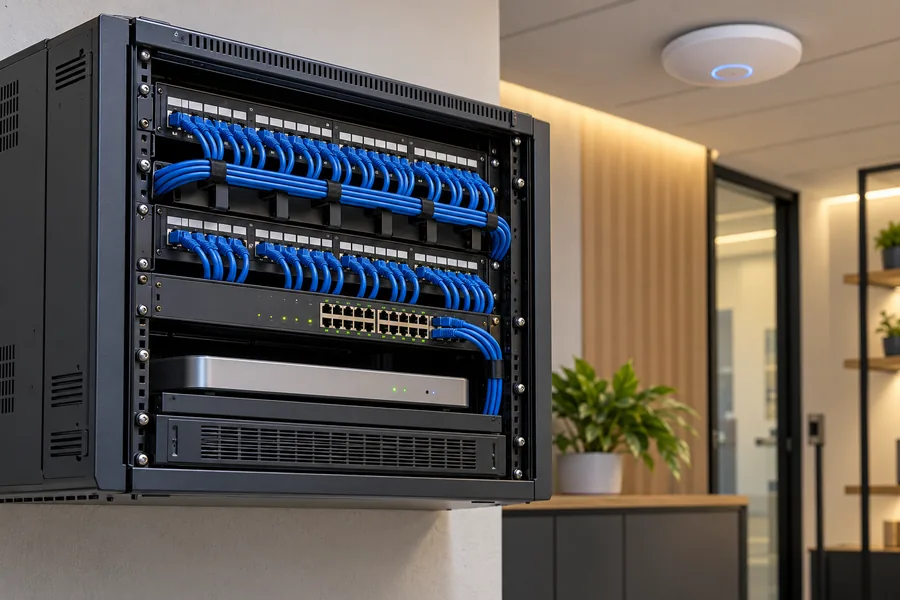
The invisible work makes a visible difference. Clean cable routes, sensible switch capacity and a rack you can actually service.
 WIRED NETWORKS & SWITCHING
Give fixed equipment a dependable wired connection. We plan managed switches, network outlets, patch panels and equipment racks around your devices and future needs.
We explain the cable testing and documentation included in your scope.
 NEW BUILDS & RENOVATIONS
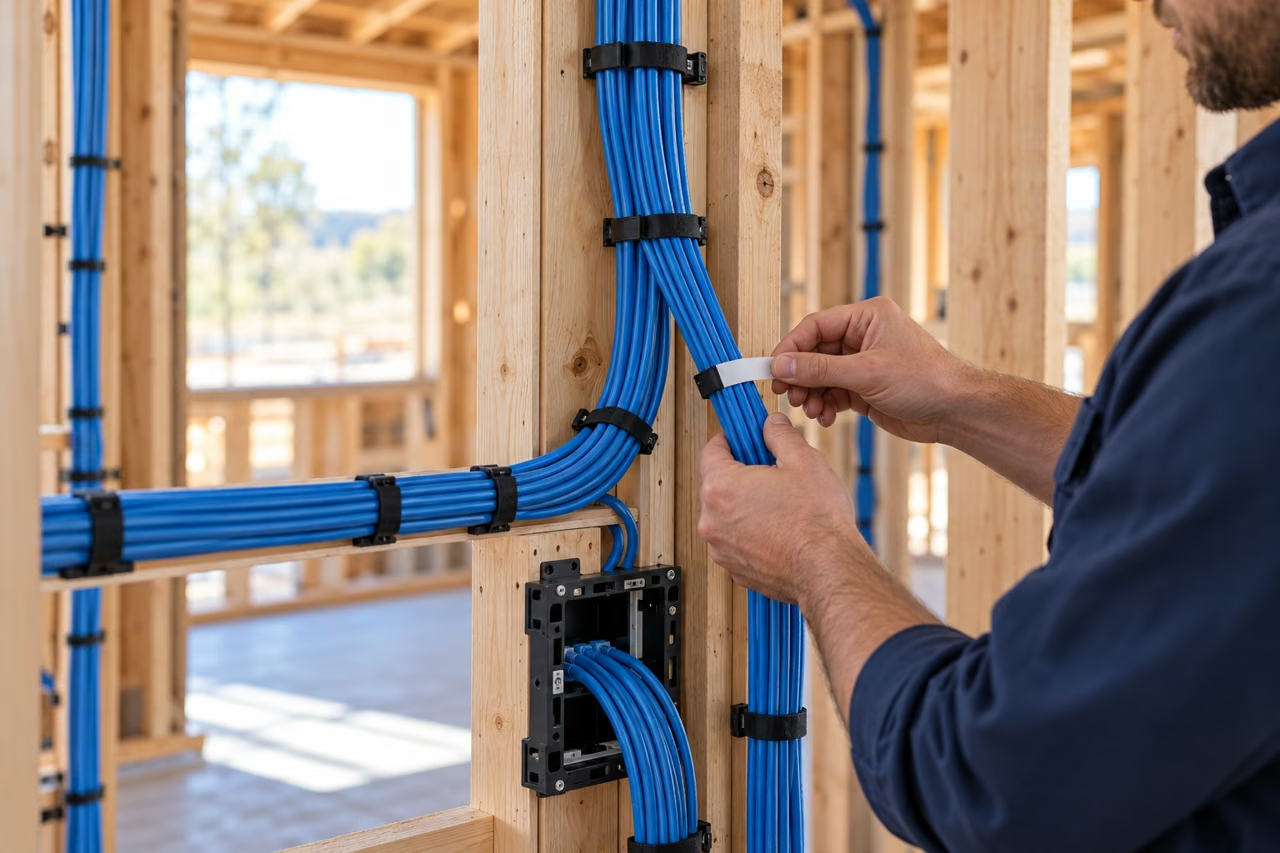
Get the pathways in place while access is straightforward. We coordinate with your builder and other trades so today’s work supports tomorrow’s equipment.
Renovating an existing space? We assess practical routes and what cabling can be retained.
Illustrative photography and design examples; not photographs of customer installations.
BEYOND THE MAIN BUILDING
A detached workshop, yard or second building needs a connection that suits the distance and the site. For construction sites without fixed internet, we assess cellular coverage or suitable cable and wireless links, along with power and mounting. Camera viewing and alarm reporting have different bandwidth needs, so we confirm what the connection can support.
Depending on the distance and pathways, options may include suitable cable, fibre or a point-to-point wireless bridge. We consider line of sight, obstructions, grounding and surge exposure, power and the bandwidth you need before proposing a route.
Yes. We start by reviewing the symptoms, installed equipment, cabling and layout. The issue could be coverage, interference, an unreliable connection, insufficient switch capacity or your provider’s service. Useful existing equipment can often stay.
We can handle the physical network installation and coordinate addressing, VLANs and connections with your IT contact. Responsibilities for configuration, updates, remote access and ongoing support are agreed before work begins.
That depends on the management, hosting and support arrangement selected. We set out equipment costs, any subscriptions and optional ongoing support in the proposal, so you know what is included.
FROM FIRST VISIT TO EVERYDAY USE
New network, expanding premises or an existing system that needs attention—we help you understand the next step.
Tell us what drops out, where coverage falls short and which systems need to connect. We’ll work through the physical network and agree the scope of configuration, testing and support.
Need help with an existing network? →Rooms, cable routes, connected devices, existing equipment and where the network lets you down.
A defined scope for cabling, switching, Wi-Fi, system connections and agreed support.
Check the agreed connections and coverage, label the installation and hand over the information you need.
Tell us about your property, your existing network and what you need it to do next.